Pacing diary: template and contents.
A diary records what a day contained and how it felt. Collected over weeks, it becomes a look back for your own planning.
Why keep a pacing diary?
Pacing means spreading exertion and recovery across the day and week. A diary shows what full and quiet days looked like for you. It is a personal record: you decide what to note and what to take from it for your planning.
Template: columns that work well
One row per day is enough. The columns are suggestions; leave out what you do not need.
| Column | Example | In mypacing |
|---|---|---|
| Date | Tue 27 Oct | automatic |
| Activities and effort | work 4, shopping 1 | day plan with energy points |
| Breaks | 2 × 15 minutes | break rhythm, rest moment |
| How you feel | okay | check-in, five levels |
| Sleep | restless, 6 h | sleep feeling in the check-in, sleep duration from your watch |
| Special events | visitors | tags, note |
| Period day | yes | mark it yourself |
Paper or app?
Paper is quick to hand and needs no device, but looking back over many weeks is tedious. An app sorts entries automatically, can add values from your watch and put days side by side. Check privacy with apps: gesund.bund.de, the German Federal Ministry of Health’s portal advises checking which data an app accesses, where it is stored and what the privacy policy says before using it (accessed 31.10.2026).
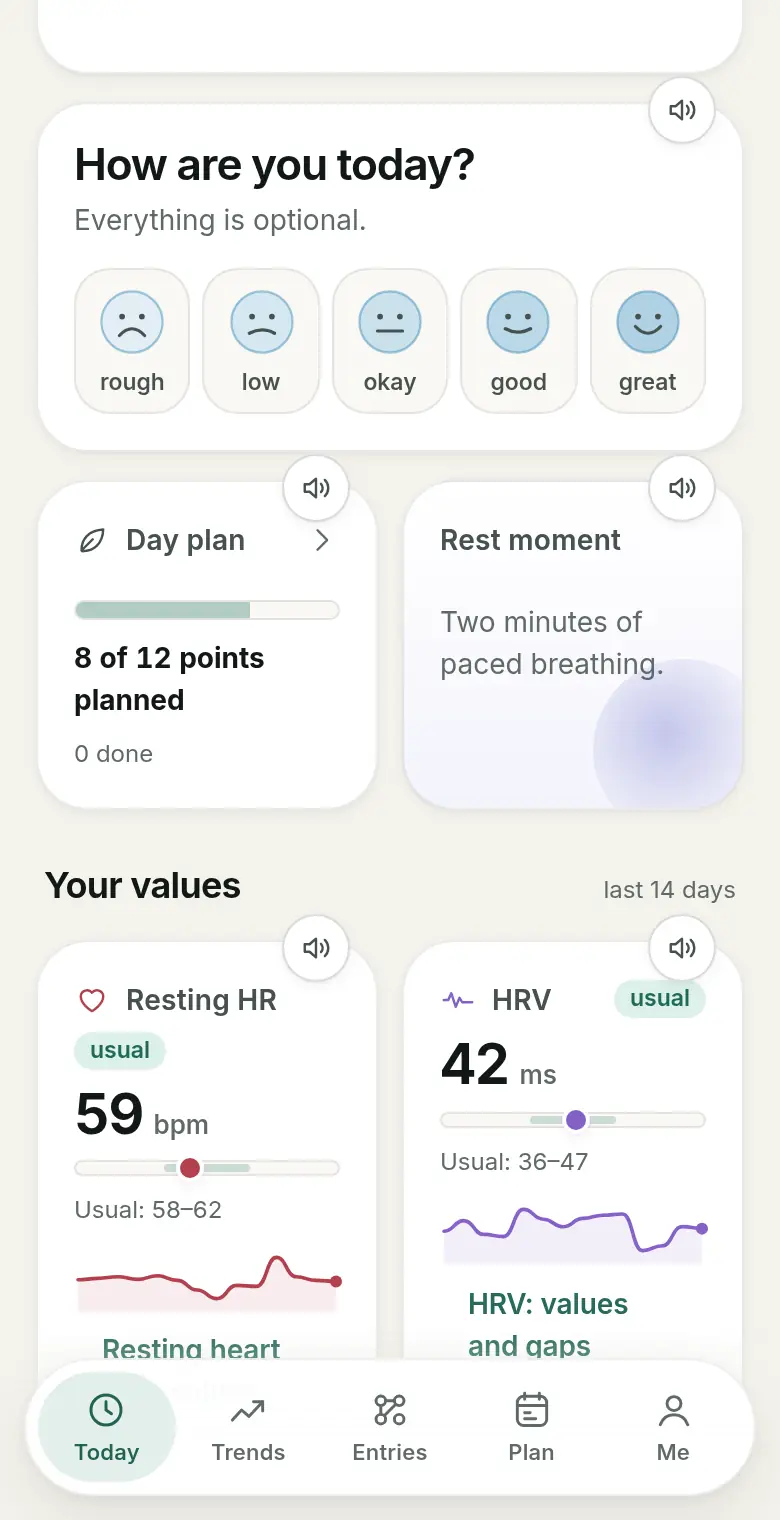
Recording entries in mypacing
In the check-in you note how you feel, sleep feeling, mental load, rest time and tags. In the day plan you assign energy points. Under Entries you see your days in the calendar, filter by tags and mark period days if you wish. Values such as resting heart rate, HRV and sleep are added from Apple Health or Health Connect if you allow them.

Looking back and taking it with you
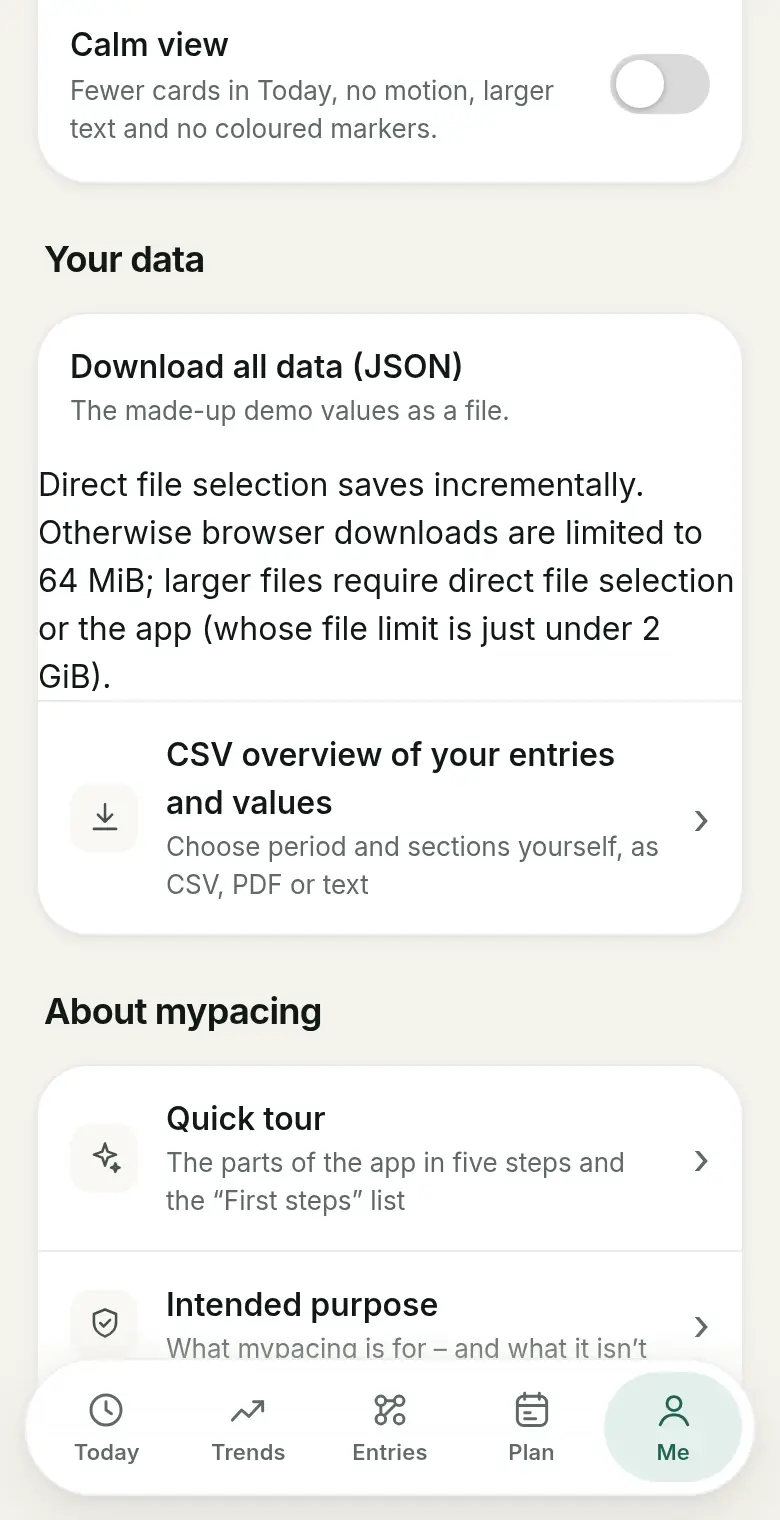
One look per week is often enough: how many days were full, how many quiet, and what did the days after look like? For a conversation, for example at a practice, you can take entries along as a CSV or PDF print view. mypacing draws no conclusions; interpreting them stays with you and the people you talk to.
Frequently asked questions
What goes into a pacing diary?
Typically the date, planned activities and their effort, breaks, how you feel, sleep and special events. What you note is up to you.
Is there a printable template?
The table on this page works as a simple template for paper. In mypacing you can output your own entries as a CSV overview or a PDF print view.
Paper or app?
Both have advantages: paper needs no device, while an app puts entries side by side over weeks and can add values from your watch. What matters is what you keep up.
How long should I keep a diary?
Patterns often only become visible over several weeks. Occasional gaps are normal and no reason to stop.
Does mypacing analyse my diary?
mypacing displays your entries and available measurements clearly, for example in the calendar and history. The app draws no conclusions, makes no diagnoses and does not replace medical advice.
Read more
Pacing in daily life
Spread exertion and recovery across the day and week.
The daily check-in
What the check-in records, with or without a watch.
Exporting entries
CSV, print view and calendar file.
See mypacing: The demo shows the daily picture, history and day plan with made-up values – no account needed. More on the home page.
mypacing is not a medical device. The app shows your own values and notes over time. It does not make diagnoses, give treatment recommendations or replace medical advice.
The app is free on the App Store for iPhone and iPad and on Google Play for Android.
Publisher: SIGAtech Softwareentwicklung, responsible for content: Siegfried Gaier (legal notice). Last updated on 31 October 2026.