Export your entries, the way you need them.
For your own records, a spreadsheet or a conversation: mypacing offers several ways to take your records out of the app. An overview of what each file contains.
CSV overview and PDF print view
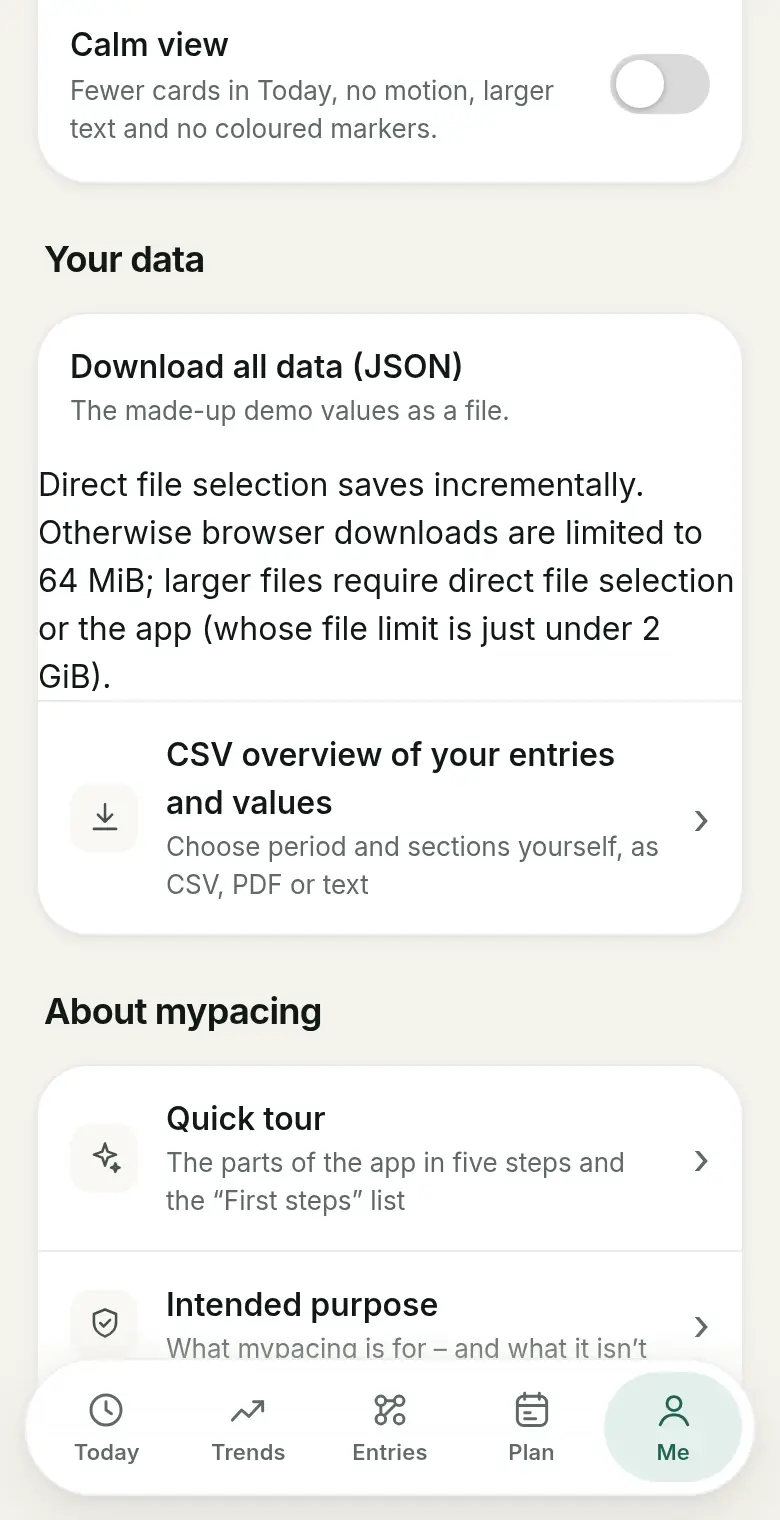
You choose a period and the sections to include: check-in, notes, activities, day plan and measured values with their source. The CSV file opens in any spreadsheet app. In the browser, the PDF overview opens a print view; in the iPhone and Android app, an HTML print file is shared via the target app you choose. The actual PDF is created through the print dialog or the target app.
The days loaded on the device are used.
Filtered entries from the journal
Under Entries you narrow down your records by period, tag and search text. You can download or share this selection as CSV and open it as a print view. The file contains your own records for the matching days – check-ins, notes and structured entries; imported device and measurement values are deliberately not included here. How to filter by tag is explained in Tags and comparing days.
Day plan as a calendar file
You can download a day plan as an ICS file. It appears in your calendar app as an all-day event with the plan details you chose. This is a one-time transfer, not ongoing calendar sync.
Download all account data
Separately, you can download all data mypacing stores about you at any time in the app. You get a JSON file for your own records or technical processing (Art. 15 and 20 GDPR). The help page also describes how.
Things to keep in mind
Exported files contain personal and partly confidential information. Think about where you store them and who you share them with. The files are compilations of your own records and device values – not a medical report and not an assessment by mypacing. If you take them to a conversation, the source information for measured values helps: it shows where a value came from.
Read more
Energy points
How energy points work, how you assign them and why the budget always stays yours.
Tags and comparing days
Compare days with and without one of your own tags.
Apple Health: finding your values
Find the values in the Health app and give mypacing access to individual values.
See mypacing: The demo shows the daily picture, history and day plan with made-up values – no account needed. More on the home page.
mypacing is not a medical device. The app shows your own values and notes over time. It does not make diagnoses, give treatment recommendations or replace medical advice.
The app is free on the App Store for iPhone and iPad and on Google Play for Android.
Publisher: SIGAtech Softwareentwicklung, responsible for content: Siegfried Gaier (legal notice). Last updated on 31 October 2026.